Aussi vs Canva for Meta ads: which is faster for small business?
Canva is a great design tool. But is it the right tool for Meta ad creatives? Here's an honest comparison for small business owners who run their own ads.
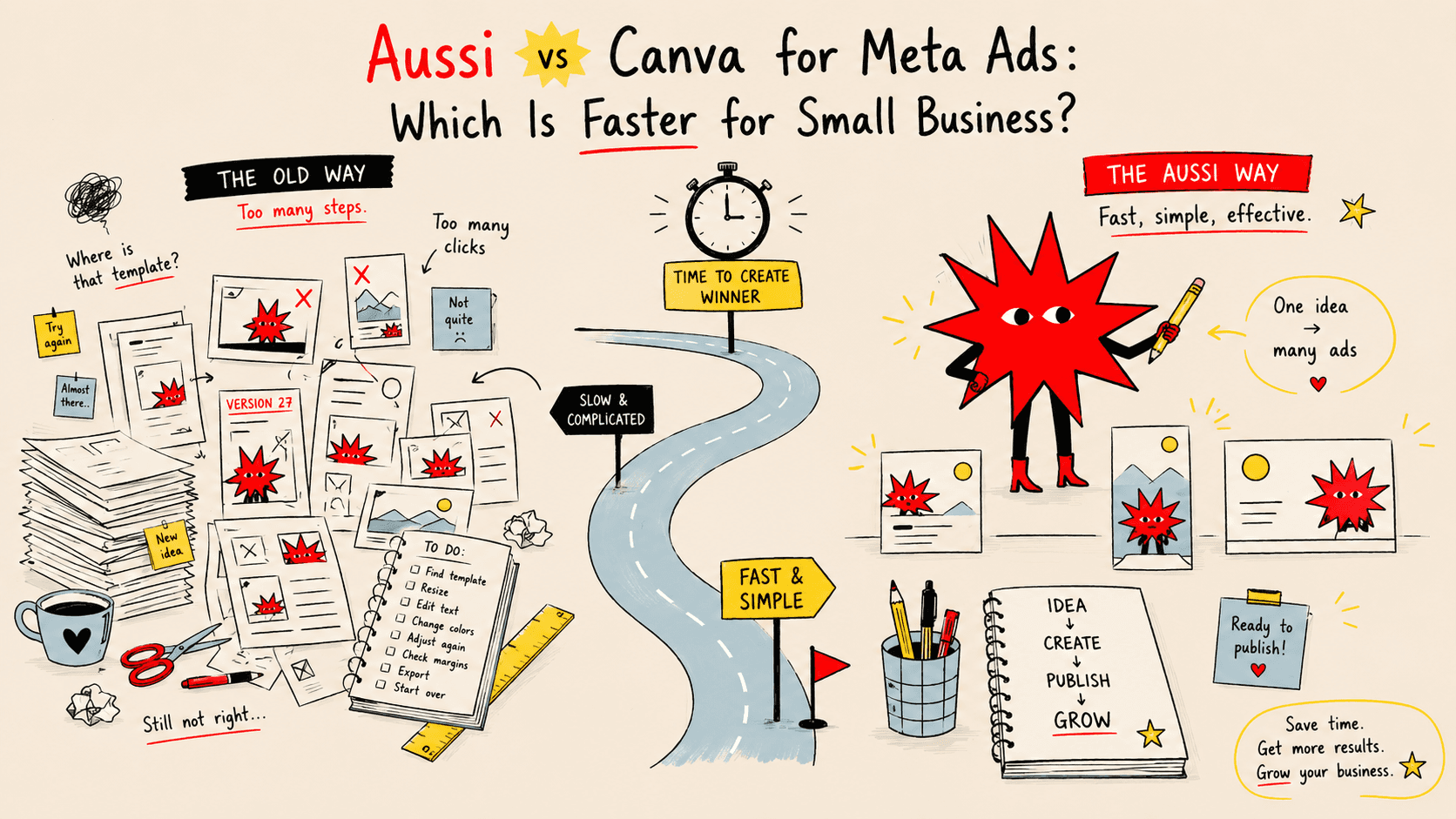
If you've ever tried to make a Meta ad in Canva, you know the feeling.
You open it with good intentions. You pick a template. You spend 40 minutes tweaking fonts, moving things around, second-guessing colours. You export it. You upload it to Meta. It looks slightly off. You go back in and fix it. By the end you've spent two hours on one creative and you're not even sure it's good.
Canva isn't bad software. But it wasn't built for what you're trying to do.
This is an honest comparison — not a sales pitch. By the end you'll know which tool makes sense for your situation.
What Canva is actually built for
Canva is a general-purpose design tool. Its job is to let anyone create anything — social posts, presentations, flyers, CVs, menus, thumbnails, business cards, wedding invitations.
That breadth is exactly what makes it powerful and exactly what makes it slow for ad creative production.
When you open Canva to make a Meta ad, you're starting from a blank canvas with 3,000 templates and infinite options. Every decision is yours to make: layout, font pairing, colour balance, image placement, copy, hierarchy. For someone without a design background, that's not freedom — it's paralysis.
Canva also has no concept of what makes a Meta ad perform. Its templates are designed to look good, not to convert. There's no reference to real Meta ad creative benchmarks, no output calibrated to what stops a scroll in the feed.
What aussi.ai is built for
aussi.ai is a single-purpose tool: Meta ad creatives for small business advertisers.
You give it your product URL, your brand assets (logo, colours, fonts), and a product photo. It pulls your product information automatically, generates multiple ad creative variations, and outputs them in the correct sizes for every Meta placement — feed, stories, reels — in one go.
The creative output is informed by real Meta ad references filtered by industry, not by generic design templates. The goal isn't a pretty image — it's an image built to perform in a Meta feed.
Head-to-head comparison
Speed
Canva: 45–90 minutes for a complete creative set (feed + stories + reels), assuming you start from a template. Longer if you're building from scratch or making significant adjustments.
aussi.ai: Under 5 minutes from URL to exported creatives across all formats.
The difference isn't skill — it's that aussi.ai eliminates all the decisions Canva asks you to make manually.
Output formats
Canva: You design once, then manually resize for each placement. Feed, stories, and reels are different dimensions — you have to rebuild or manually adjust the layout for each one. Easy to end up with a stories creative that has text cut off or a logo in the wrong position.
aussi.ai: All formats are generated together. Feed (1:1 and 4:5), stories (9:16), and reels (9:16) come out of a single workflow, correctly composed for each placement.
Brand consistency
Canva: You can save brand kit elements (colours, fonts, logo) and apply them — but you have to remember to do it every time. Easy to drift off-brand, especially if multiple people touch the account.
aussi.ai: Your brand kit is applied automatically to every creative from the start. Consistency is the default, not something you have to enforce manually.
Design knowledge required
Canva: Some. You need to make layout decisions, choose font sizes, manage visual hierarchy, handle image placement. The tool is approachable, but the output quality depends heavily on the decisions you make.
aussi.ai: None. The creative decisions — layout, hierarchy, composition — are handled for you, informed by what works in Meta placements specifically.
Creative testing
Canva: Producing 3–5 variations for A/B testing means duplicating your design and manually changing each version. Time-consuming enough that most people skip it.
aussi.ai: Multiple variations are generated in the same workflow. Testing different approaches (product-led, text-led, lifestyle) doesn't add significant time.
Price
Canva: Free tier available. Canva Pro is €13/month and adds brand kit, background remover, and more templates.
aussi.ai: Free tier available. Pro plan is €31/month.
What Canva does better
Canva wins on flexibility and breadth. If you need to create something beyond Meta ad creatives — a pitch deck, a social media post in an unusual format, a print flyer — Canva handles it. aussi.ai doesn't.
Canva is also better for highly custom or experimental creative work where you have a specific visual idea and need full design control to execute it.
Which one is right for you?
Choose Canva if:
You need one tool for all your design tasks (not just ads)
You enjoy the design process and have time to spend on it
You need full creative control over every element
Your ad creative needs are occasional, not regular
Choose aussi.ai if:
Meta ad creatives are your primary design output
You're running ads regularly and need new creatives often
You want consistent, on-brand output without thinking about it
You've lost hours to Canva and want that time back
You need all Meta formats produced together, not one at a time
The honest answer
For small business owners running Meta ads themselves — which is exactly who Aussi AI is built for — the question isn't really "which tool makes better creatives." It's "which tool lets me produce good creatives fast enough that I actually test and iterate regularly."
Creative volume matters on Meta. More creatives, more tests, more data, better results over time. A tool that takes 5 minutes per creative set gets used. A tool that takes 90 minutes gets avoided.
If you're spending more time fighting with your design tool than running your ads, that's the answer.
See the difference for yourself.
Aussi AI generates professional Meta ad creatives from your product URL in under 5 minutes — feed, stories, and reels included. Try it free →