How to create Meta ad creatives without a designer
No designer, no budget, no problem. Here's exactly how to create professional Meta ad creatives yourself — and get results that look like an agency made them.
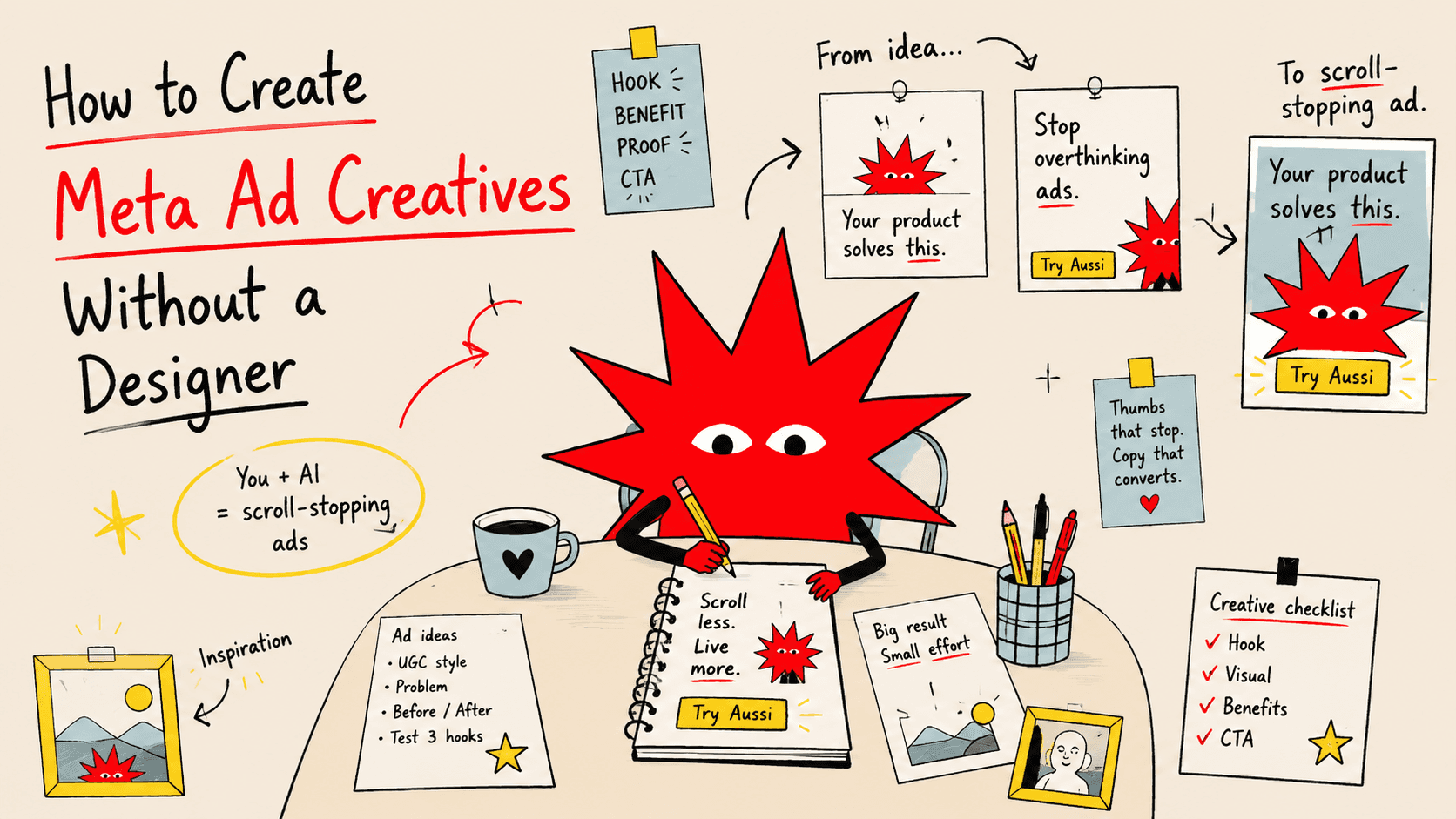
Running Meta ads but stuck at the creative step?
You know what you want to say. You have a product worth advertising. But every time you open Canva and stare at a blank canvas, you either spend two hours making something that looks amateur — or you just don't run the ads at all.
This guide is for you. By the end, you'll know exactly how to create Meta ad creatives that look professional, perform well, and take less than an hour to produce — without hiring anyone.
Why most small business owners skip creatives (and pay for it)
The #1 reason Meta ads underperform for small businesses isn't the targeting. It's the creative.
Bad creative = people scroll past. Good creative = people stop, read, click.
The problem is that "good creative" used to require a designer, a photographer, and a brief. That meant cost, time, back-and-forth, and waiting. So most founders either:
Use a plain photo from their phone with text slapped on
Recycle the same creative for months
Never test variations
All of that leaves real money on the table.
The good news: in 2025, creating professional ad creatives yourself is genuinely possible — if you know the rules.
What makes a Meta ad creative actually work
Before touching any tool, understand what you're trying to build.
A Meta ad creative has one job: stop the scroll long enough for your headline to land.
That's it. Everything else follows from that.
Here's what the best-performing creatives have in common:
1. A clear focal point
One thing dominates the image — your product, a person's face, or a bold statement. The eye needs somewhere to go immediately.
2. Readable text (even on a small screen)
Most people see your ad on mobile. If your text requires zooming in, it's already lost. Use large font sizes, high contrast, and no more than 5–7 words on the image.
3. Brand consistency
Same colors, same fonts, same logo placement across every ad. This builds recognition. Ads that look like they belong together perform better over time.
4. Format matched to placement
A square creative (1:1) works for the feed. A vertical creative (9:16) works for Stories and Reels. Publishing a landscape image in a Stories placement is a fast way to look unprofessional.
5. A visual cue toward the CTA
Something in the creative — an arrow, a person's gaze, the product direction — should point toward the action you want people to take.
The 4 formats you need for Meta ads
Before you start designing, know which formats you're creating for:
Placement | Ratio | Recommended size |
|---|---|---|
Feed (image/video) | 1:1 | 1080 × 1080 px |
Feed (landscape) | 1.91:1 | 1200 × 628 px |
Stories & Reels | 9:16 | 1080 × 1920 px |
Carousel card | 1:1 | 1080 × 1080 px |
For most small businesses starting out: focus on 1:1 feed and 9:16 stories. Those two placements cover the majority of Meta ad inventory.
Step-by-step: how to create Meta ad creatives yourself
Step 1: Start with your product photo
You don't need a professional photoshoot. You need a clean, well-lit product image.
If you sell physical products:
Natural light near a window, plain background (white or brand color)
Shoot from multiple angles — you'll want options
Use your phone — modern cameras are more than enough
If you sell services or digital products:
Use a photo of yourself (builds trust immediately)
Or use a results screenshot / before-and-after
Or use a bold text-only creative (often outperforms image-heavy ads for service businesses)
Step 2: Define your message in one sentence
Write one sentence that answers: what does this product do, for whom, and why does it matter right now?
Examples:
"Professional Meta ad creatives — in 5 minutes, no designer needed."
"Shopify store owners: stop wasting budget on ads that look amateur."
"Your next client is on Instagram. Your ad just needs to show up right."
This sentence becomes your headline. Keep it under 8 words on the creative itself.
Step 3: Build your brand kit first
Before you design a single ad, lock in:
Your primary and secondary brand colors (hex codes)
Your brand font (one for headlines, one for body text)
Your logo file (PNG with transparent background)
If you don't have these defined, spend 30 minutes doing it now. Every ad you create after will be faster and more consistent.
Step 4: Use a tool built for ad creatives
Canva is a general-purpose design tool. It's flexible, but that flexibility is the problem — you start from scratch every time, there are no guardrails, and it's easy to produce something off-brand.
For Meta ad creatives specifically, use a tool that:
Outputs the right sizes automatically (feed, stories, reels)
Knows what high-performing Meta ad layouts look like
Keeps your brand kit applied consistently
aussi.ai is built exactly for this. You enter your product URL, upload your logo and brand colors, and it generates multiple ad creative variations across all Meta formats — in under 5 minutes. The output is based on real Meta ad references, not generic design templates.
Free tier available. No designer required.
Step 5: Create at least 3 variations
Even if your first creative looks great, don't run just one.
Meta's algorithm needs creative variation to optimize. More importantly, you don't actually know which version will perform best until you test.
Create 3 variations by changing one element at a time:
Variation A: product photo as the hero
Variation B: bold text statement as the hero
Variation C: a result or testimonial as the hero
Same message. Different visual approach. Let the data tell you which works.
Step 6: Check it at mobile size before publishing
Zoom out your browser to 50% and look at your creative. Better: pull it up on your phone.
Ask yourself:
Can I read the text without squinting?
Is it obvious what I'm looking at?
Does it make me want to stop scrolling?
If the answer to any of those is no, simplify. Remove one element. Make the text bigger. Increase the contrast.
Common mistakes to avoid
Too much text on the image. Meta penalized this heavily a few years ago, and while the "20% text rule" is no longer strictly enforced, heavy text still hurts performance. Put the detail in your ad copy, not on the image.
Inconsistent branding across ads. If your ads look different every time, you're starting from zero with each campaign. Consistency builds recognition that compounds over time.
Using the wrong size for the placement. Meta will auto-resize creatives that don't match the placement, and the results are usually cropped awkwardly. Always upload the right dimensions.
Skipping Stories/Reels. Many small businesses only create feed ads. Stories and Reels placements are often cheaper and less competitive — but they require a vertical creative. If you don't have one, you're leaving cheaper clicks on the table.
Running the same creative for too long. Creative fatigue is real. If you've been running the same ad for more than 4–6 weeks, performance will drop even if nothing else changed. Rotate new creatives in regularly.
How long should this take?
Once you have your brand kit set up and your product photos ready:
First creative: 20–30 minutes
Additional variations: 5–10 minutes each
With a tool like aussi.ai: 5 minutes for a full set across all formats
The bottleneck is almost never the design software. It's having your brand assets ready and knowing what message you want to communicate. Solve those two things first.
Quick recap
Start with a clean product photo (or a photo of yourself)
Write your message in one sentence — 8 words or fewer on the creative
Lock in your brand kit (colors, fonts, logo) before you touch any tool
Use a tool built for Meta ad formats — not a generic design tool
Create at least 3 variations to test
Check everything at mobile size before publishing
Rotate creatives every 4–6 weeks
Ready to skip the design process entirely?
Aussi AI generates professional Meta ad creatives from your product URL — feed, stories, and reels — in under 5 minutes. Try it free →